The voice that already lives in your clipboard.
Copy a text, ClipTTS reads it. No account, no connection, no window to open on purpose — if you already know how to copy text, you already know how to use ClipTTS.
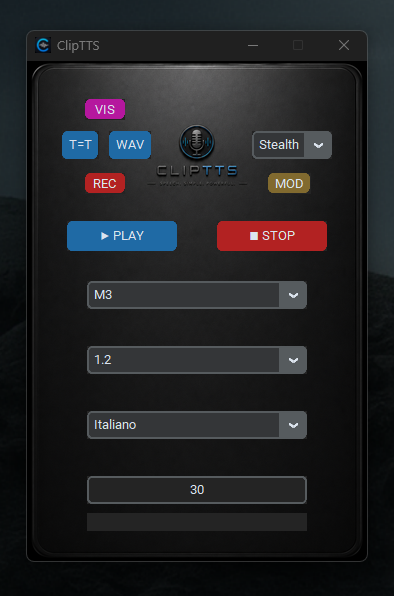
Why it exists
I looked for it for weeks: a local voice reader, with a voice natural enough not to kill my urge to write. I never found it — so I built it.
The starting point was simple: the clipboard is already the connection Windows offers between every program. ClipTTS uses it as a universal entry point — it's not another window to open, it's the one that follows you wherever you already are.
How it works
Copy a text
From Obsidian, your browser, an editor, anywhere on your PC.
ClipTTS notices on its own
It comes to the front automatically, ready. Or stays in the Tray Icon: press Play from there. No shortcut to remember.
Press play
Ten voices, thirty-one languages, on-the-fly pronunciation correction. Starts in under 3 seconds, regardless of text length — CPU only, no GPU required. All local.
See ClipTTS in action
Watch how seamlessly ClipTTS turns your clipboard into natural, instantaneous local voice across Windows.
Every feature, in action
Below: real screenshots of ClipTTS.
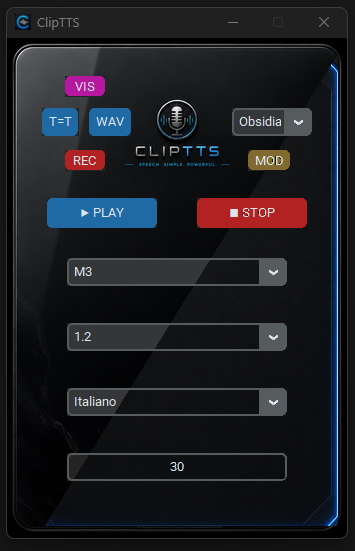
14 themes included
Pick your style, or use any PNG background in the right format.
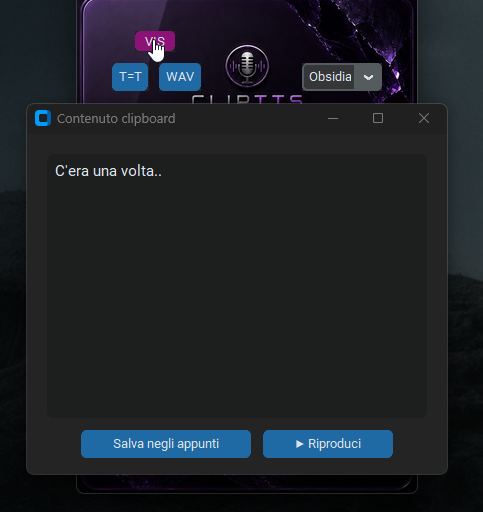
VIS — See the text
Copy a text, the VIS popup shows you what it's about to read.
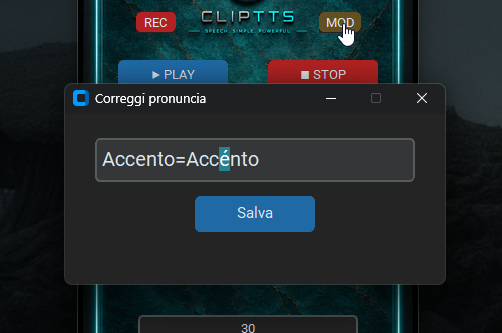
MOD — Pronunciation on the fly
If a word doesn't sound right, fix it in one click.
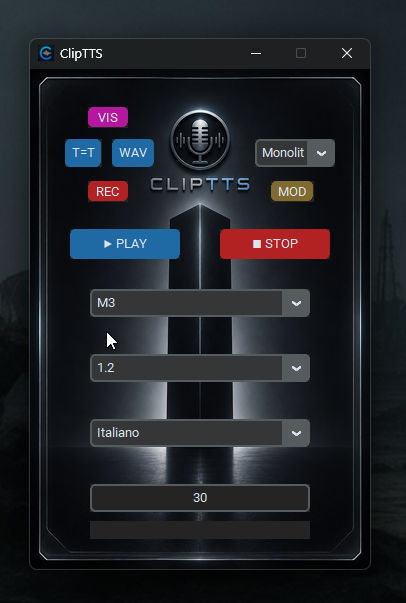
Draggable window
Grab and move ClipTTS from any free spot on the interface — no need to use the title bar.
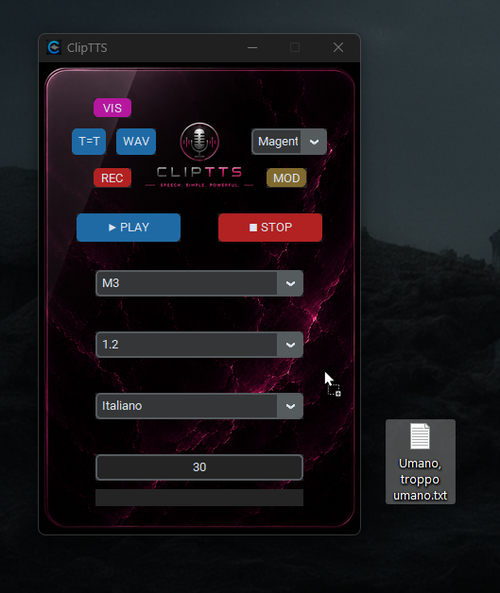
File drag & drop
Text, .docx, .pdf, etc. — drop them on the window, anywhere on it, and it reads right away.
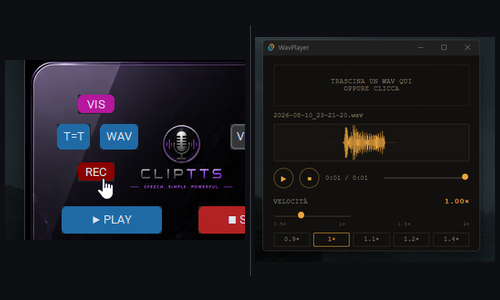
Record and replay
Press REC, save as WAV, and replay it with adjustable speed.
- You can also turn on autoplay — no need to open the interface at all.
- Copy a text, and your computer speaks. That's it.
- Any clipboard change, any app — it just reads.
What it does
- Reads whatever you copy. Brings itself to the foreground on every copy, ready to read. No hotkeys to remember.
- Autoplay. One click on the tray icon, and every copied text is read automatically.
- Play, pause, stop. Pause resumes at the end of the sentence. The same controls are in the tray menu.
- Runs on your CPU. No GPU required. Starts in under 3 seconds, whatever the text length.
- Drag and drop. .docx, .pdf, .txt, .md, .csv, .srt and more, anywhere on the window.
- Fix pronunciation. MOD corrects a single word, T=T keeps permanent rules.
- See what's read. VIS shows, and lets you edit, exactly what's in the clipboard.
- Record to WAV. REC generates silently and saves the WAV plus a twin text file. WavPlayer is included, and the WAV button opens the folder.
- Your pace. Adjustable speed; change voice or language even during playback.
- 10 voices, 31 languages, 14 themes.
- Interface in English or Italian, from the tray menu.
- Starts with Windows, no administrator rights needed. A clear notice when the clipboard is empty.
ClipTTS
A single executable. Portable, no account, completely offline.
🛒 Buy ClipTTS14-day money-back guarantee. Request a full refund within 14 days of purchase at support@fabricsoftware.dev. The refund is processed by Polar, which handles your payment, and the license is deactivated.